Adjust the React Application
There is a src subdirectory in the my-react-app directory. When you open the App.js file located inside the src folder, it will seem like this:

Example
The App.jsx file in the src subdirectory has the following default content:
import { useState } from 'react'
import reactLogo from './assets/react.svg'
import viteLogo from '/vite.svg'
import './App.css'
function App() {
  const [count, setCount] = useState(0)
  return (
    <>
      <div>
        <a href="https://vitejs.dev" target="_blank">
          <img src={viteLogo} className="logo" alt="Vite logo" />
        </a>
        <a href="https://react.dev" target="_blank">
          <img src={reactLogo} className="logo react" alt="React logo" />
        </a>
      </div>
      <h1>Vite + React</h1>
      <div className="card">
        <button onClick={() => setCount((count) => count + 1)}>
          count is {count}
        </button>
        <p>
          Edit <code>src/App.jsx</code> and save to test HMR
        </p>
      </div>
      <p className="read-the-docs">
        Click on the Vite and React logos to learn more
      </p>
    </>
  )
}
export default App
Try using the code below to replace the full content of the file, then save it.
Example
Replace all the content of the App.jsx file with the code below:
function App() {
  return (
    <div className="App">
      <h1>Hello World!</h1>
    </div>
  );
}
export default App;
Click Save to view the changes in the browser.
The result:
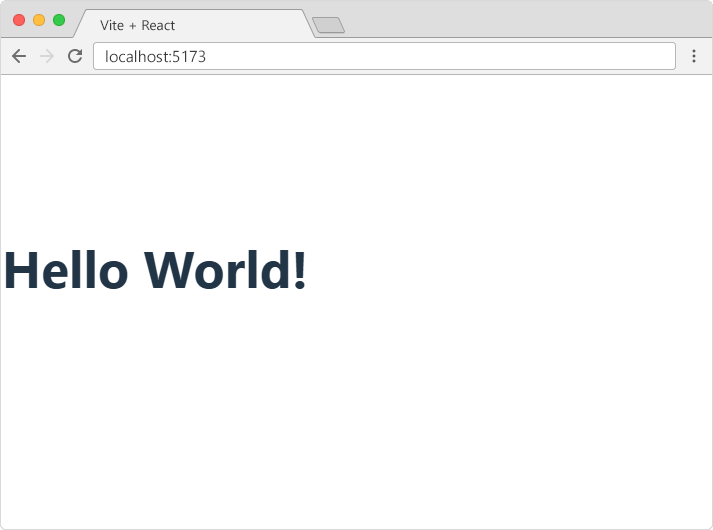
Congratulations! You recently made changes to your initial React application.